TwitterTidbit #1 – Revolutionize Your Writing with Zotero

Welcome to the first of the Humanities and Social Studies Library’s TwitterTidbits, where we scour through #AcademicTwitter, so you don’t have to!

Today’s Twitter piece of treasure is courtesy of @MushtaqBilalPhD, who believes that Zotero’s in-built Note Editor can “Revolutionize” your writing. And well, we agree. 

Often cited by the HSSL family as a fantastic tool for student research and writing, Zotero is a free and open-source software designed to organize your research, create automatic bibliographies, insert citations and footnotes to your assignments and just overall make the writing process much easier. 

To get started, go to www.zotero.org and download the software (you can also download their IOS app if you’re someone who prefers to work on their iPad).
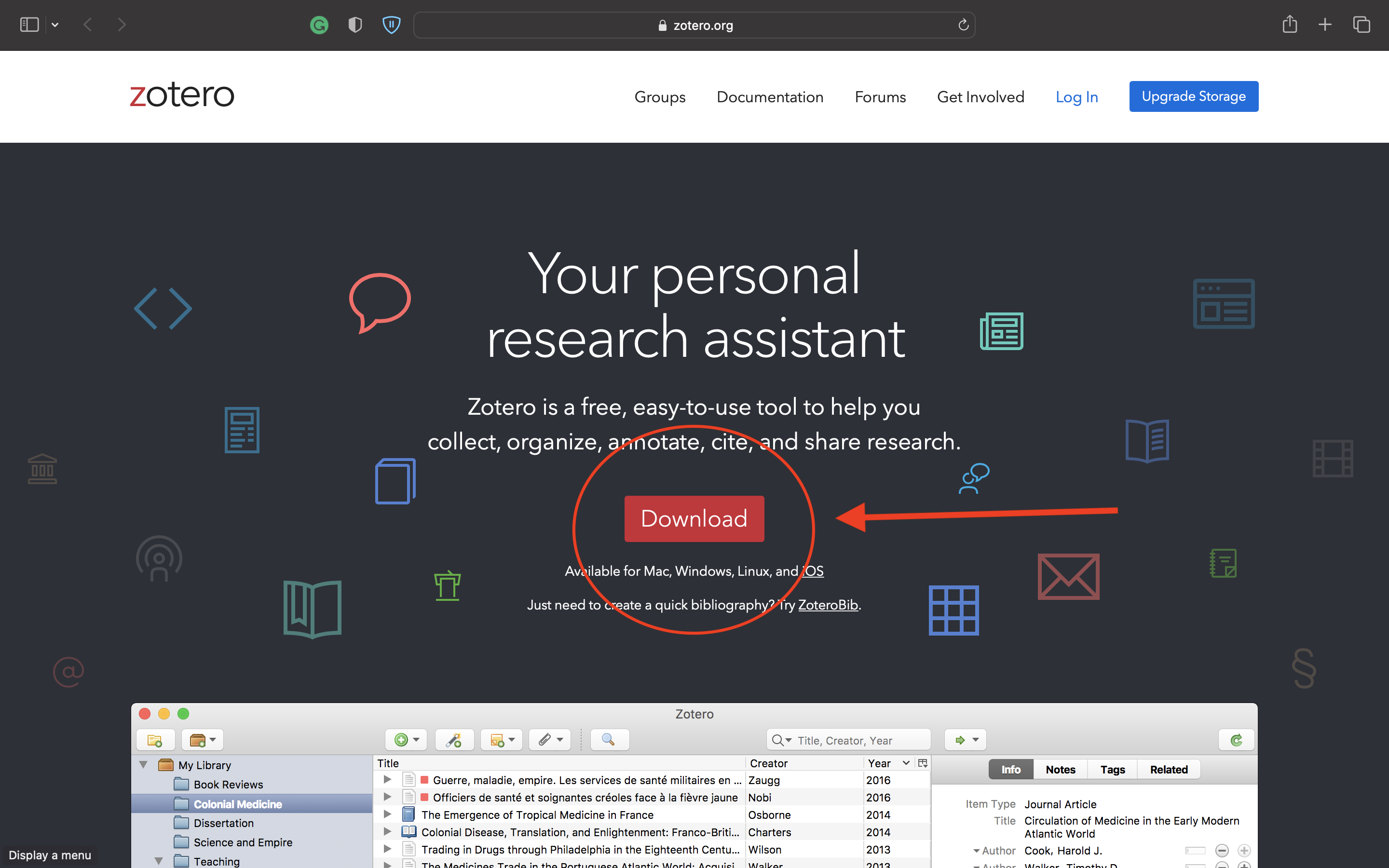
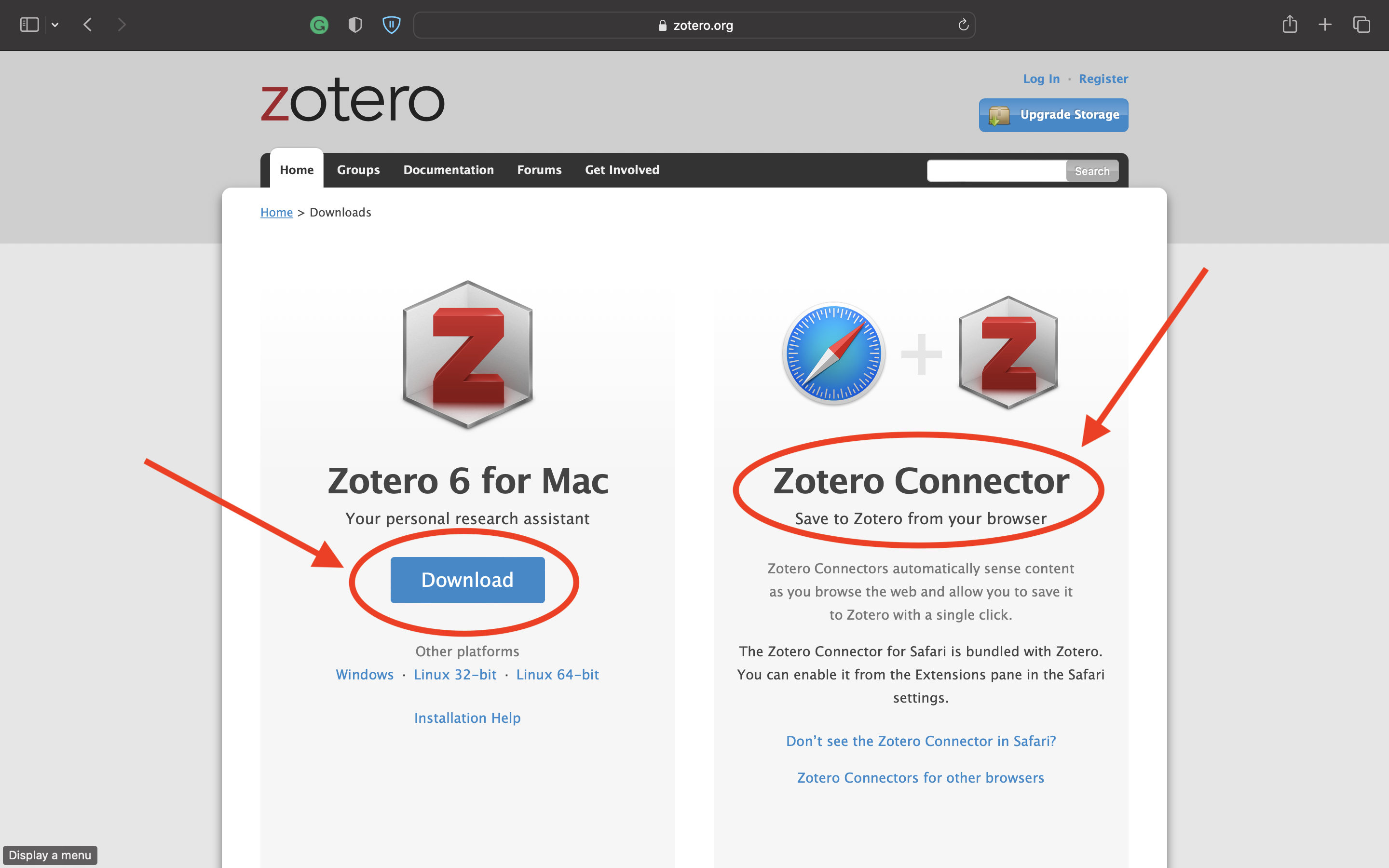
Once you are done setting up Zotero on your device, you can use the software directly within Microsoft Word, in your browser or through its own app. 

For reaping the full benefits of the Note Editor, we recommend using the Zotero app on your desktop. 
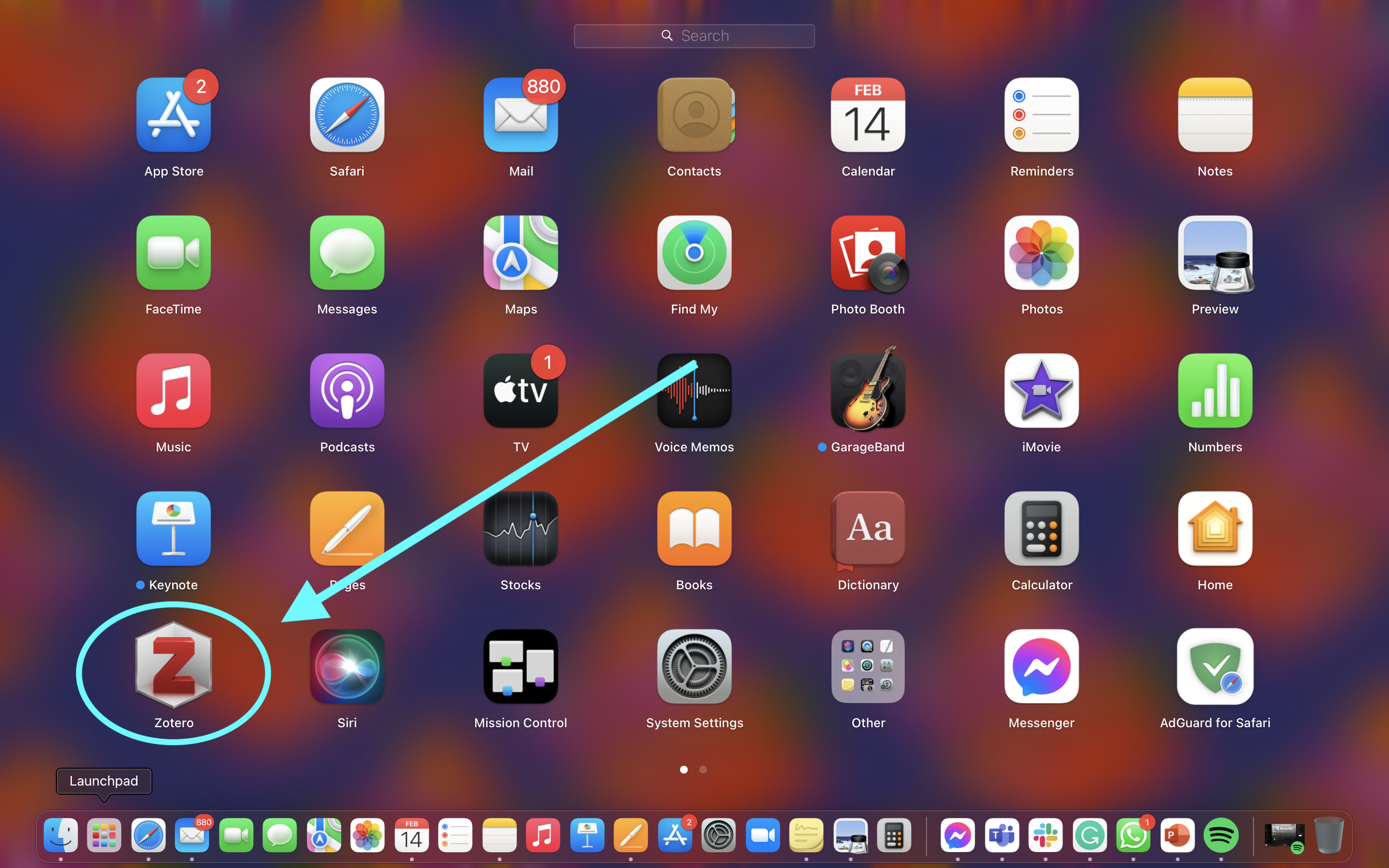
MacBook Launchpad. A grid of different app icons on a low transparency blue, pink and orange background. At the bottom left corner a cross-sectional 3D grey logo with a bold red Z (the Zotero logo), highlighted using neon blue annotations.

To begin, add the document you would like to work on (preferably as a PDF file) to your Zotero library. You can either drag and drop your file directly into the library space or use the wand icon above the library space to enter the DOI or ISBN of your document. 
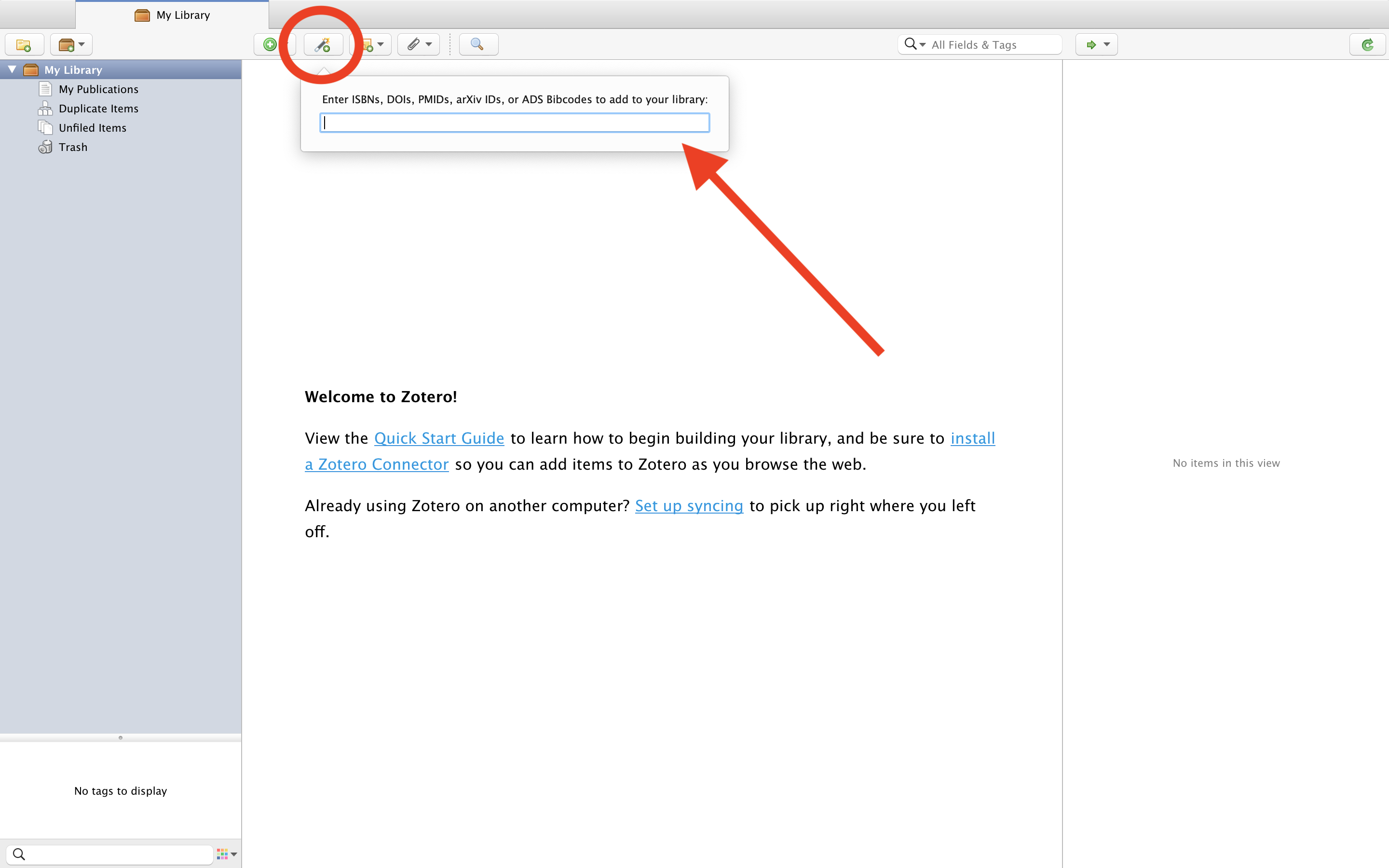
Home Page of the Zotero Library App. At the centre of the page is a welcome message with links to the Quick Start Guide and Zotero Connector. A panel on top of the page shows five small icons. The second icon (magic wand with plus sign in green) is annotated with a red circle. A box below the icon reads "Enter ISBNS, DOIs, etc".

Once your document has been added, double-click on it and Zotero will open it for you in a new window. 
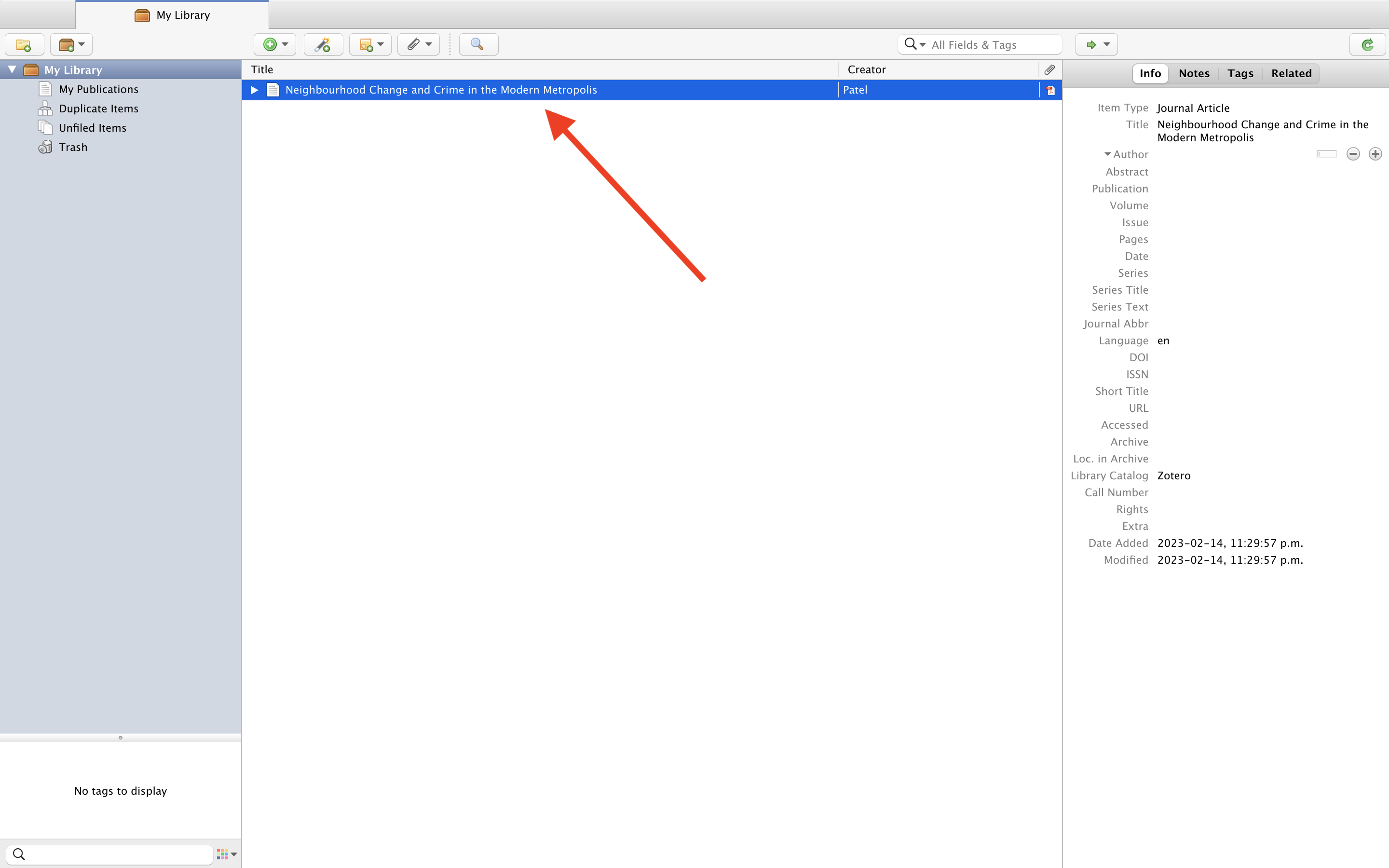
My Library in Zotero App. In the library space, there is a dark blue line (denoting that the file has been selected) that shows the title and creator of the file. A red arrow points to the file, while to the right of the page (in a panel divide by a line) there is the Information about the file.

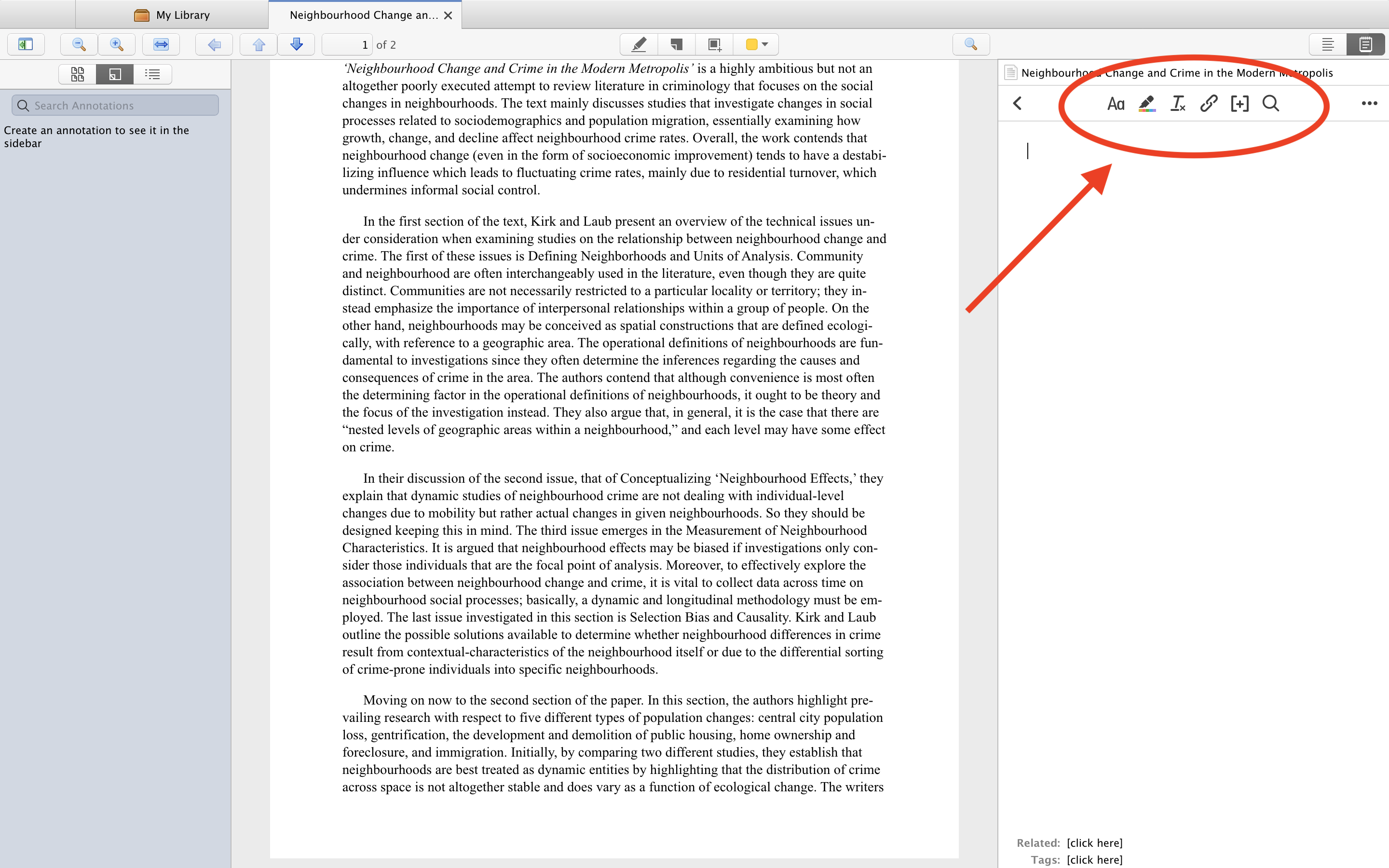
On top of the Annotation pane are the different tools for annotating the document: including highlight text, notes, and selection. In the top right corner of the window, you will find a small Notes button.
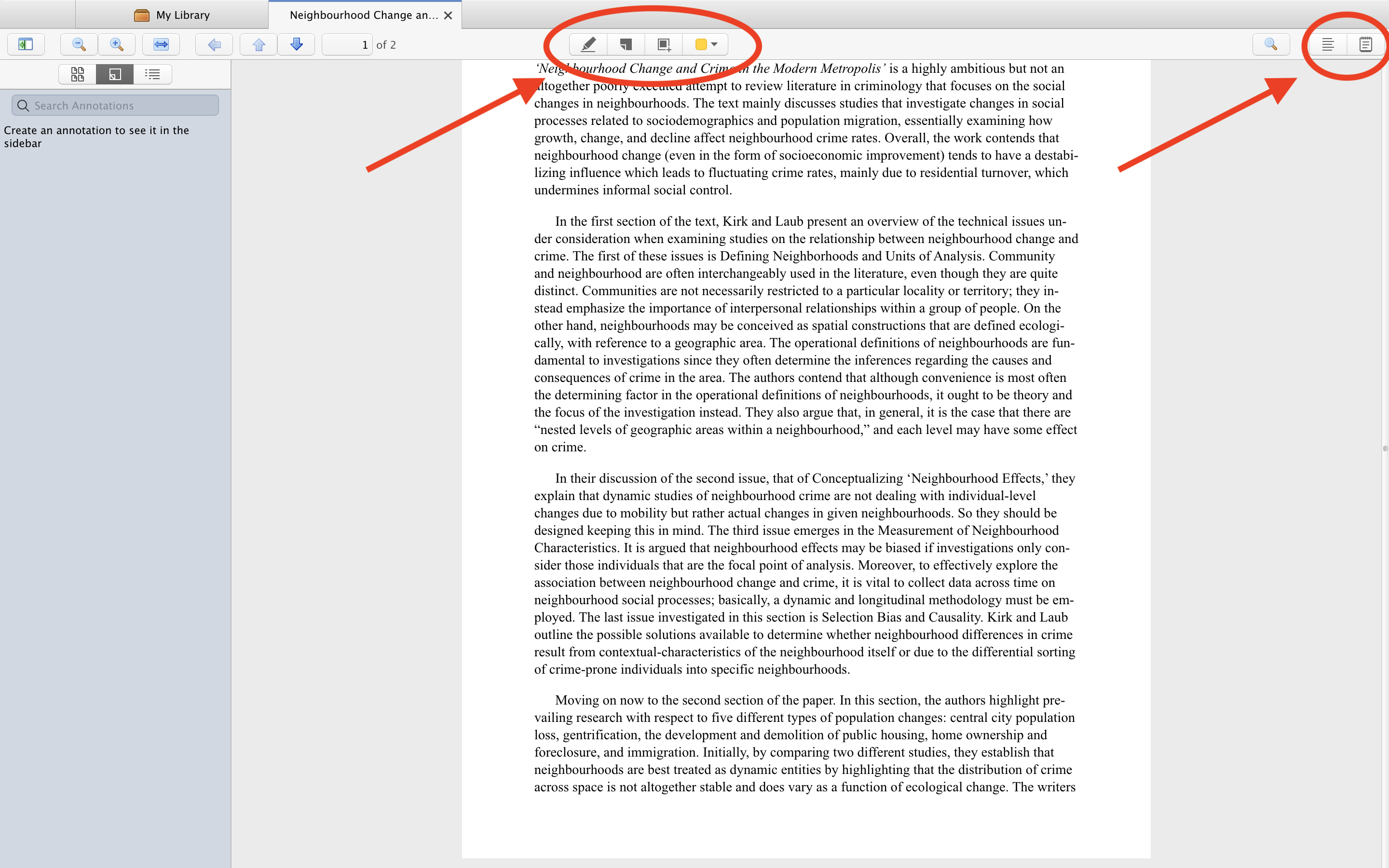
Separate window with PDF file opened in Zotero Library. Most of the window is covered by the text in the PDF file. A thin panel over the top page on the PDF shows four icons, each a different tool for annotation. On the top right corner of the window (on the same thin panel) are icons for the Notes feature.

Click on the Notes button and select ‘Add Item Note’ after pressing the + icon in the Notes panel. You will now be shown a toolbar with six different tools for note-taking. These are: 

1. Format text

2. Highlight text

3. Clear formatting

4. Insert Link

5. Insert Citation

6. Find and Replace
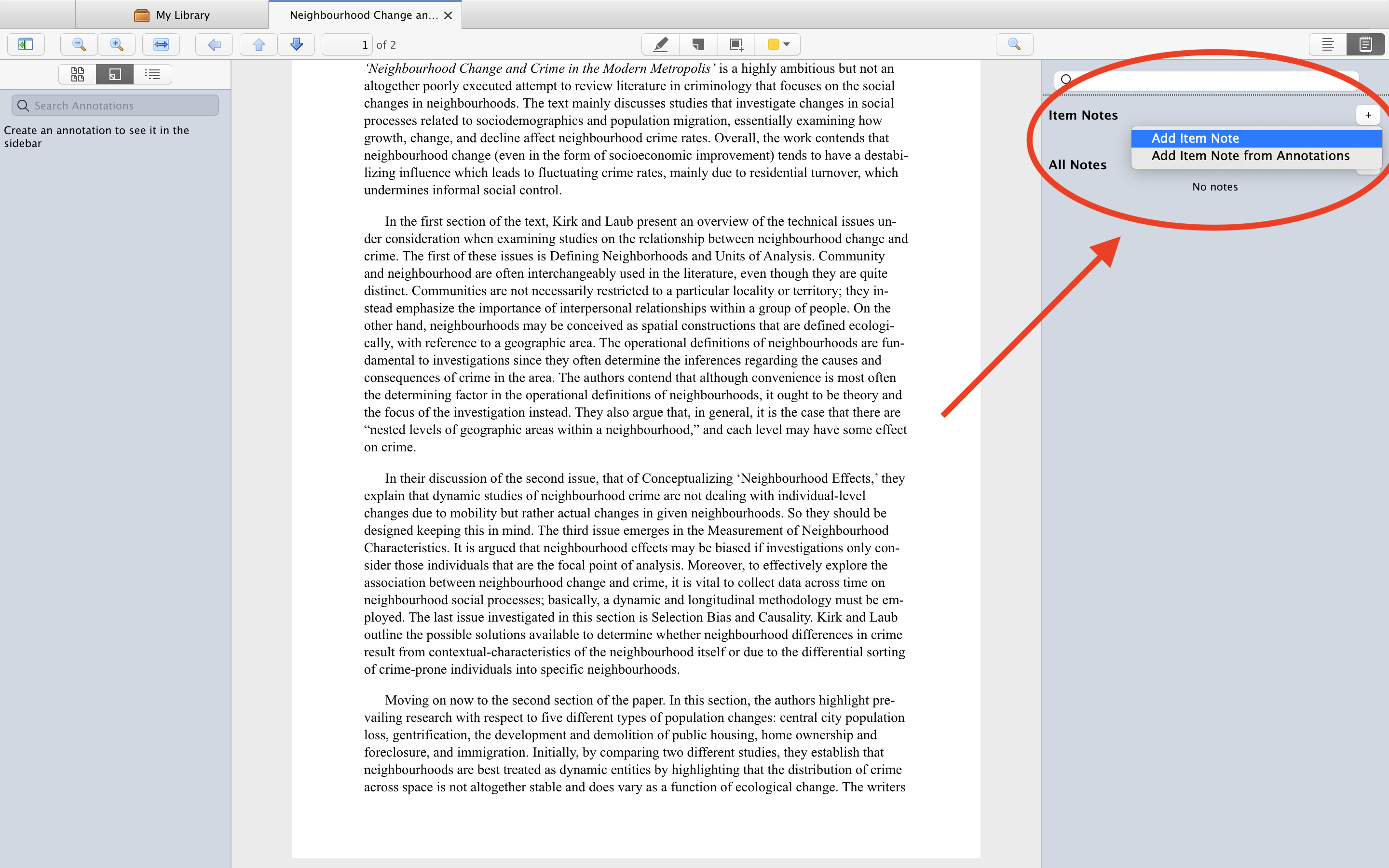
You are now all set to explore the Note Editor in Zotero for yourself! Some exciting features we think you should check out are the in-text citation feature and the drafting feature, which will allow you to use your notes to begin drafting your own paper in Microsoft Word.
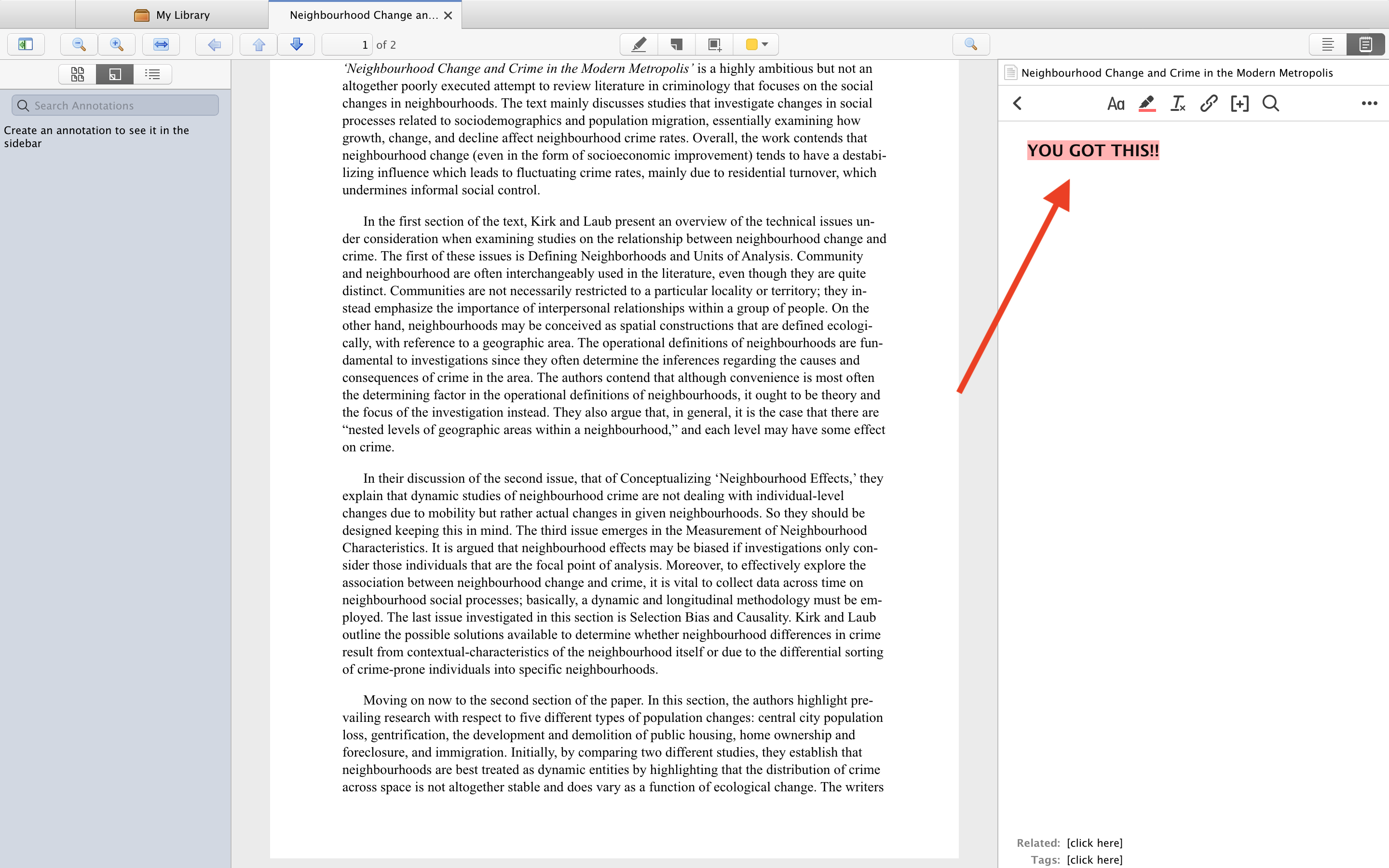
Separate window with PDF file opened in Zotero Library. Most of the window is covered by the text in the PDF file. Panel to the right reads "YOU GOT THIS!!" in bold and pink highlighted text.

If you’re interested in learning more about Zotero but don’t know where to start, we’ve got you covered! 

Check out our Introduction to Zotero page for a lineup of virtual workshops spread over the semester. But suppose you want to learn on your own time. In that case, you can watch the McGill Library’s entire Zotero Video Tutorials playlist to get familiar with the software in just around 20 minutes.

Till then, keep an eye out for the next TwitterTibdit!

New From 2022: Did You Know You Can Watch These Movies for Free?

With Netflix announcing their new password-sharing policy, many college and university students are left upset and wondering how they will enjoy the latest movies. Through the McGill Library, students can access 7 great streaming services. The best part? They’re all free!

The Audio and Visual Materials guide allows you to access these services. Haven’t heard of these streaming services or don’t know where to start? For an easy guide on all things film and documentaries, check out our McGill Films 101 blog!

These services contain a broad range of movies, from documentaries to thrillers, old and new. Below is a sneak peek at just a few of the new 2022 movies added to the collection of hundreds of movies available for your enjoyment!

An action-packed option!

The Lost City movie poster with Sandra Bullock and Channing Tatum. Tagline: The jungle isn't ready for this kind of action.

The Lost City

“A reclusive romance novelist on a book tour with her cover model gets swept up in kidnapping attempt that lands them both in a cutthroat jungle adventure.”

If you want to be jumping out of your skin…

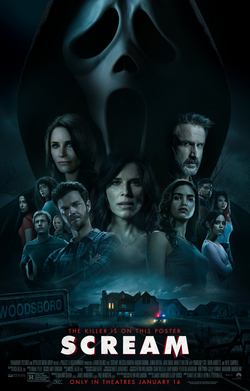
Scream movie poster for the 2022 film. Tagline: the killer is on this poster. In the background are floating heads of all the main actors with Ghost Face looming above them.

Scream

“Twenty-five years after a streak of brutal murders shocked the quiet town of Woodsboro, a new killer has donned the Ghostface mask and begins targeting a group of teenagers to resurrect secrets from the town’s deadly past.”

For the comedy movie buff:

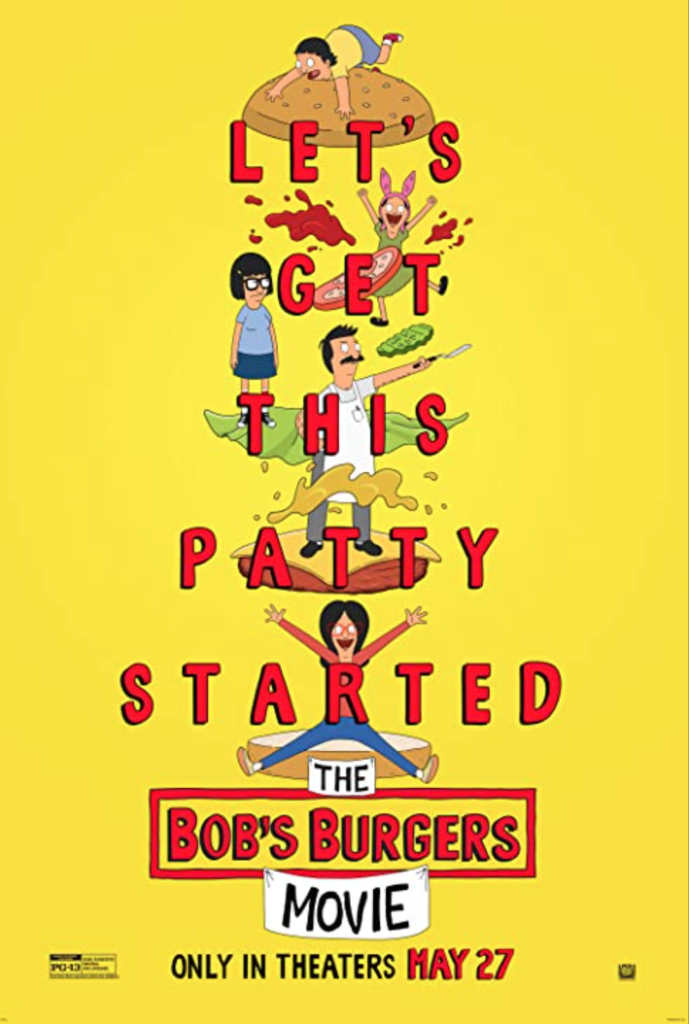
Bob's Burgers The Movie poster. Tagline : Let's get this patty started.

Bob’s Burgers: The Movie

“The story begins when a ruptured water main creates an enormous sinkhole right in front of Bob’s Burgers, blocking the entrance indefinitely and ruining the Belchers’ plans for a successful summer. While Bob and Linda struggle to keep the business afloat, the kids try to solve a mystery that could save their family’s restaurant. As the dangers mount, these underdogs help each other find hope and fight to get back behind the counter, where they belong.”

Looking for something educational?

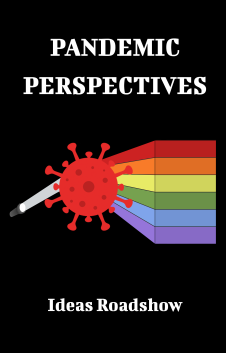
Pandemic Perspectives documentary poster.

Pandemic Perspectives

“Pandemic Perspectives offers a critical examination of several key societal issues illuminated by the COVID-19 pandemic through the prism of a wide array of international experts in biology, education, history, law, philosophy, politics and more.”

For something a bit more thrilling:

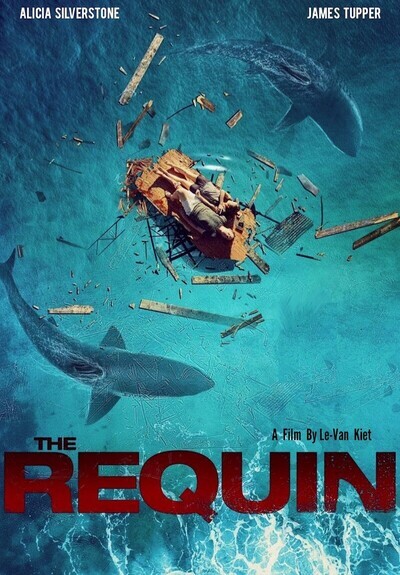
The Requin film poster with Alicia Silverstone and James Tupper.

The Requin

“There’s terror in paradise when Jaelyn (Alicia Silverstone) and Kyle (James Tupper) arrive at a remote seaside villa in Vietnam for a romantic getaway. A torrential storm descends, reducing the villa to little more than a raft and sweeping the young couple out to sea. Suddenly, another danger appears: a school of great white sharks. With her injured husband watching helplessly, Jaelyn must battle the deadly predators alone in this tense thriller that rides an unrelenting wave of fear.”

Black History Month 2023: Virtual Display

February is just around the corner, and with it comes the annual celebration of Black History Month (BHM). The month marks a time of honouring the legacy and stories of Black Canadians and their communities around the nation. 

The McGill community takes this opportunity to engage in not just celebrations, but moments of acknowledgement and introspection on what it means to be part of a diverse community by coming together in love, support, and learning. 
In anticipation of BHM, the Humanities and Social Studies Library (HSSL) has curated a virtual display, bringing from deep within our collections, titles both old and new, literary masterpieces, and contemporary podcasts. Here’s a sneak peek at some of the titles on display:

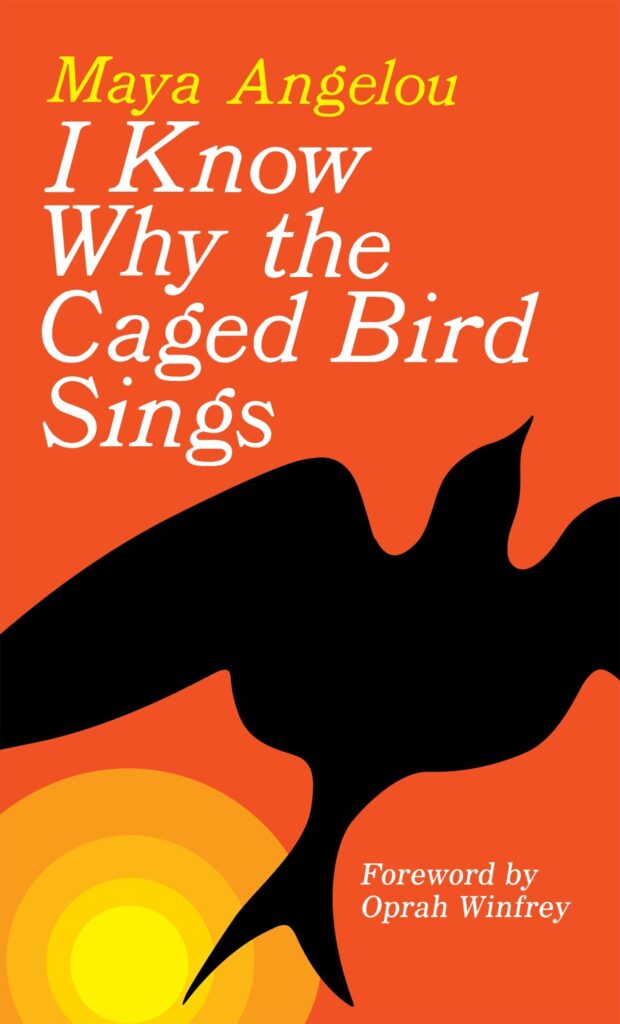
Book cover for I Know Why the Caged Bird Sings by Maya Angelou

I Know Why the Caged Bird Sings by Maya Angelou

BHM would be incomplete without an ode to Angelou’s best-selling debut memoir of growing up black in the 1930s and 1940s.

Sent by their mother to live with their devout grandmother in a small Southern town, Maya and her brother Bailey, endure the ache of abandonment and the prejudice of the local “powhitetrash.” At eight years old and back at her mother’s side in St. Louis, Maya is attacked by a man — and has to live with the consequences for a lifetime. Years later Maya learns that love for herself, the kindness of others, and the ideas of great authors will allow her to be free instead of imprisoned.

space

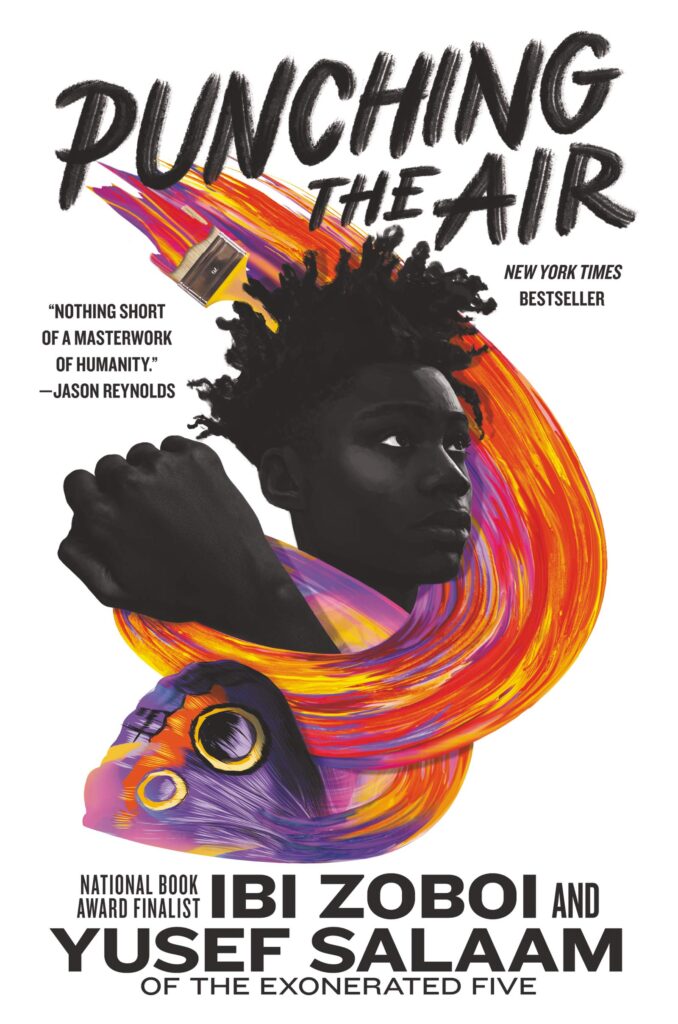
Book cover for Punching the Air by Ibi Zoboi and Yusef Salaam.

Punching the Air by Ibi Zoboi and Yusef Salaam

From award-winning, bestselling author Ibi Zoboi and prison reform activist Yusef Salaam of the Exonerated Five comes a powerful YA novel in verse about a boy who is wrongfully incarcerated.

With spellbinding lyricism, they tell a moving and deeply profound story about how one boy is able to maintain his humanity and fight for the truth, in a system designed to strip him of both. A young artist and poet’s prospects at a diverse art school are threatened by a racially biased system and a tragic altercation in a gentrifying neighbourhood.

space

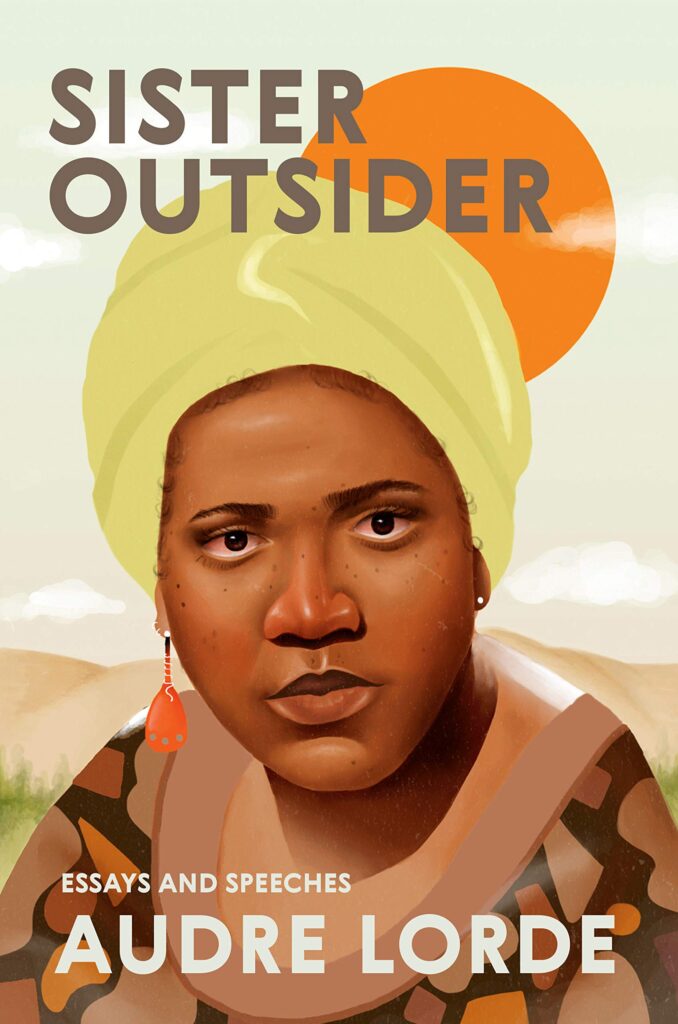
Book cover for Sister Outsider by Audre Lorde

Sister Outsider by Audre Lorde

Few hold a place in the Black feminist canon like Lorde, a self-described “black, lesbian, mother, warrior, poet,” who “dedicated both her life and her creative talent to confronting and addressing injustices of racism, sexism, classism, and homophobia.”

In this charged collection of fifteen essays and speeches, Lorde takes on sexism, racism, ageism, homophobia, and class, and propounds social difference as a vehicle for action and change. Her prose is incisive, unflinching, and lyrical, reflecting struggle but ultimately offering messages of hope. 

space

Other notable mentions include Ta-Nehisi Coates’ Between the World and Me, a 2016 Pulitzer Prize Finalist that pivots from the biggest questions about American history and ideals to the most intimate concerns of a father for his son; Nathan Harris’ The Sweetness of Water an epic whose grandeur locates humanity and love amid the most harrowing circumstances, and; Octavia Butler’s Kindred: A Graphic Novel Adaptation, which offers an unflinching look at our complicated social history, transformed by the graphic novel format into a visually stunning work for a generation of new readers.

Keep an eye on our socials (Instagram: @mcgilllib, Facebook: McGill Library and Twitter: @mcgilllib) for more exciting events and news related to BHM.