The search commands, AND, OR, NOT, (also known as Boolean operators, named after its British mathematician inventor, George Boole) can be used to combine your words in many search engines and research databases. Here’s a short video that explains how to use AND, OR, NOT when searching:
Category Archives: Blog
Indoor floor plans now available on Google Maps for the desktop
This week Google Maps announced that the indoor floor plans are available for selected locations on Google Maps for the desktop. Many airports, train stations, shopping malls, and libraries have provided their floor plans on Google Maps. That means, you may be able to choose the restaurant that you would like to eat in an airport or plan your Black Friday itinerary in a shopping mall before you leave home.
Although a number of places worldwide have joined this project, the only location in Canada that made its indoor maps available is West Edmonton Mall in Edmonton. If you were a venue owner, would you submit your floor plans to Google Maps?
Nature’s timeline
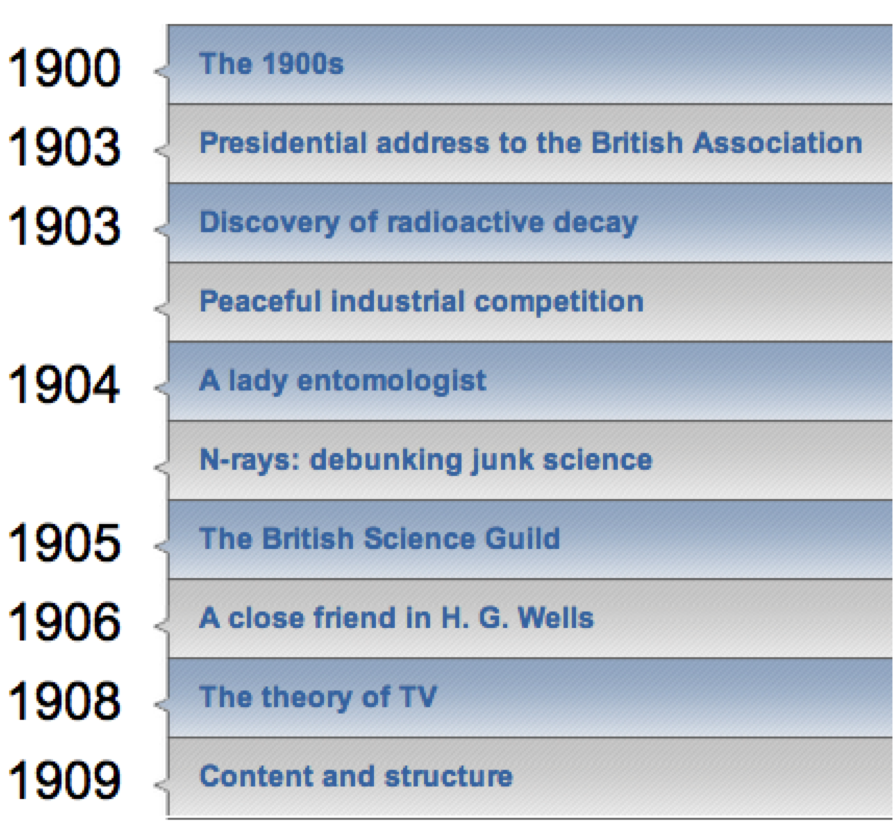
I was browsing the website on the history of the journal Nature and came across their timeline. Scanning through the decades from the 1860s to the present gives an impressive overview of the history of science. Read about the argument over who the first person was to think up using fingerprints to identify criminals in 1880, or the debunking of N-rays (N is for Nancy) in 1904. Some key papers have come from Nature, including the famous paper on the structure of DNA from Watson and Crick in 1953. Explore the timeline and learn more about those early reports of X-rays, nuclear fission, lasers, holography, and isotopes.
The Library has an electronic version of the book A century of nature twenty-one discoveries that changed science and the world that you may be interested in as well.
Cooler than your average 3D printer
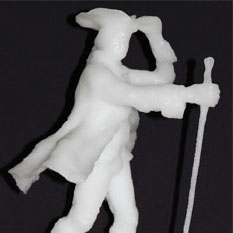
April’s recent posts about affordable 3D printers reminded me of a post I read on BoingBoing (coincidentally posted by Cory Doctorow) back in 2010 about a project at McGill that used temperature-controlled water to 3D-print ice sculptures.
“At McGill University (Montreal, Quebec) engineers and architects are working together to explore the possibilities of rapid prototyping (RP) systems for construction with ice.”
New Architecture of Phase Change, Computer-Assisted Ice Construction
Previously:
Image: Detail from “James McGill statue: original in bronze, STL model, and RFP-constructed ice model” at New Architecture of Phase Change
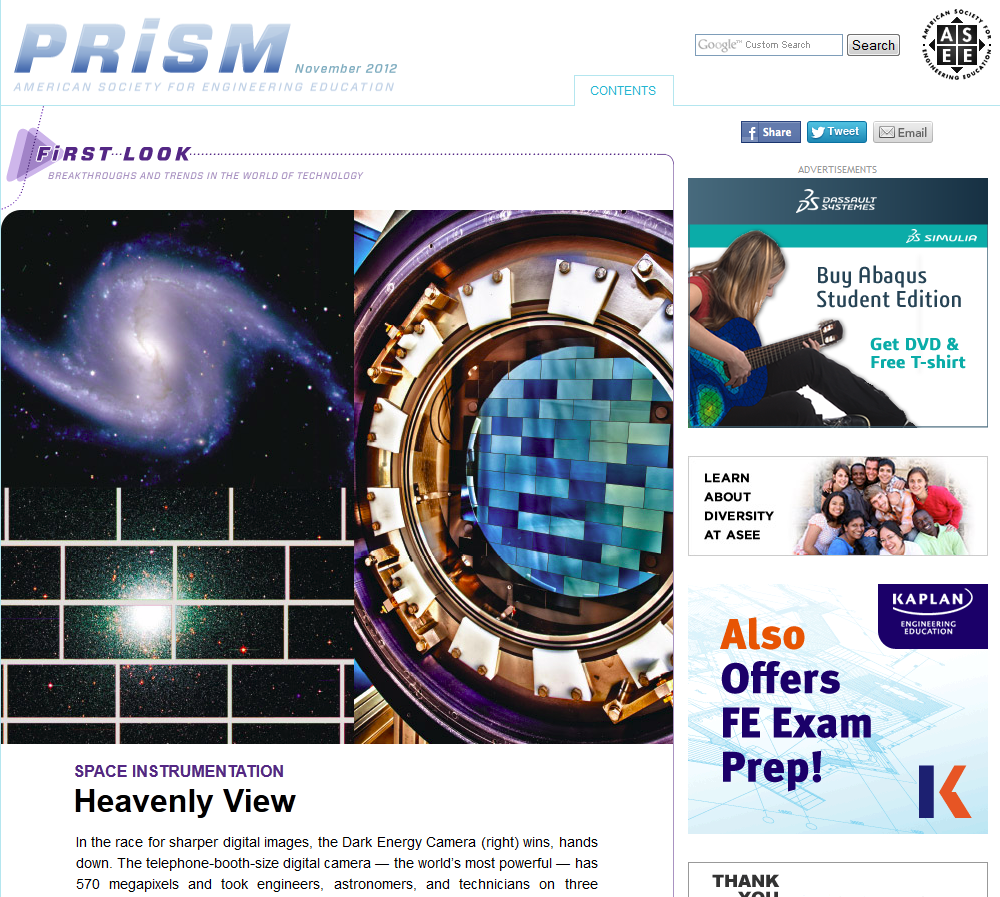
First Look @ PRISM
I recently came across PRISM, a magazine published by American Society for Engineering Education. I was very interested by the content.
My favorite section is First Look which reports on recent innovations and “breakthroughs” in the world of industry and research institutions. Each story was written in non-technical language and lends a space to be explored further.
If you haven’t found an appropriate topic for your term paper in one of the science or engineering courses, you may want to read these briefings.
Ladies, get editing!
Last month, in sync with Ada Lovelace Day – an international day celebrating the achievements of women in science, technology, engineering and math – a group of 20 or so volunteers gathered for a Wikipedia edit-a-thon at the library of the Royal Society in London. Not surprisingly, there’s some gender inequality on Wikipedia so the mission was to edit and create Wikipedia entries on women who have made significant contributions to the STEM fields. “Making women more visible is a huge job that’ll take a long time. This is a spark. It has awakened a lot of interest,” – Uta Frith, a neuroscientist at University College London and one of the leaders of the event. It certainly awakened my interest and I hope yours too. To learn more about the edit-a-thon, including who got involved, and some of the entries that were added or expanded upon, read this news article from Nature.
Image from www.mindingthecampus.com
Google’s role in term paper research
I found this brief video, which clearly explains why Googling your topic is not enough when you need to do research for a paper:
https://youtu.be/N39mnu1Pkgw
LibriVox e-audiobooks
I posted earlier this month about easy access to audiobooks through the Library. There are, of course, free resources for finding audiobooks that you can download and transfer to your mobile devices. One such resource is LibriVox.
LibriVox, started by Hugh McGuire (Montreal-based), aims to create audio versions of books in the public domain (out of copyright). They ask people to volunteer and record themselves reading chapters of books, most of which come from Project Gutenberg. Internet Archive hosts their audio files for free so that in the end, you are free to listen to or download anything you like.
For those who enjoy reading out loud, there are no special requirements for volunteering so don’t be shy. I love the sound of my own voice 🙂
3D printing (revisited)
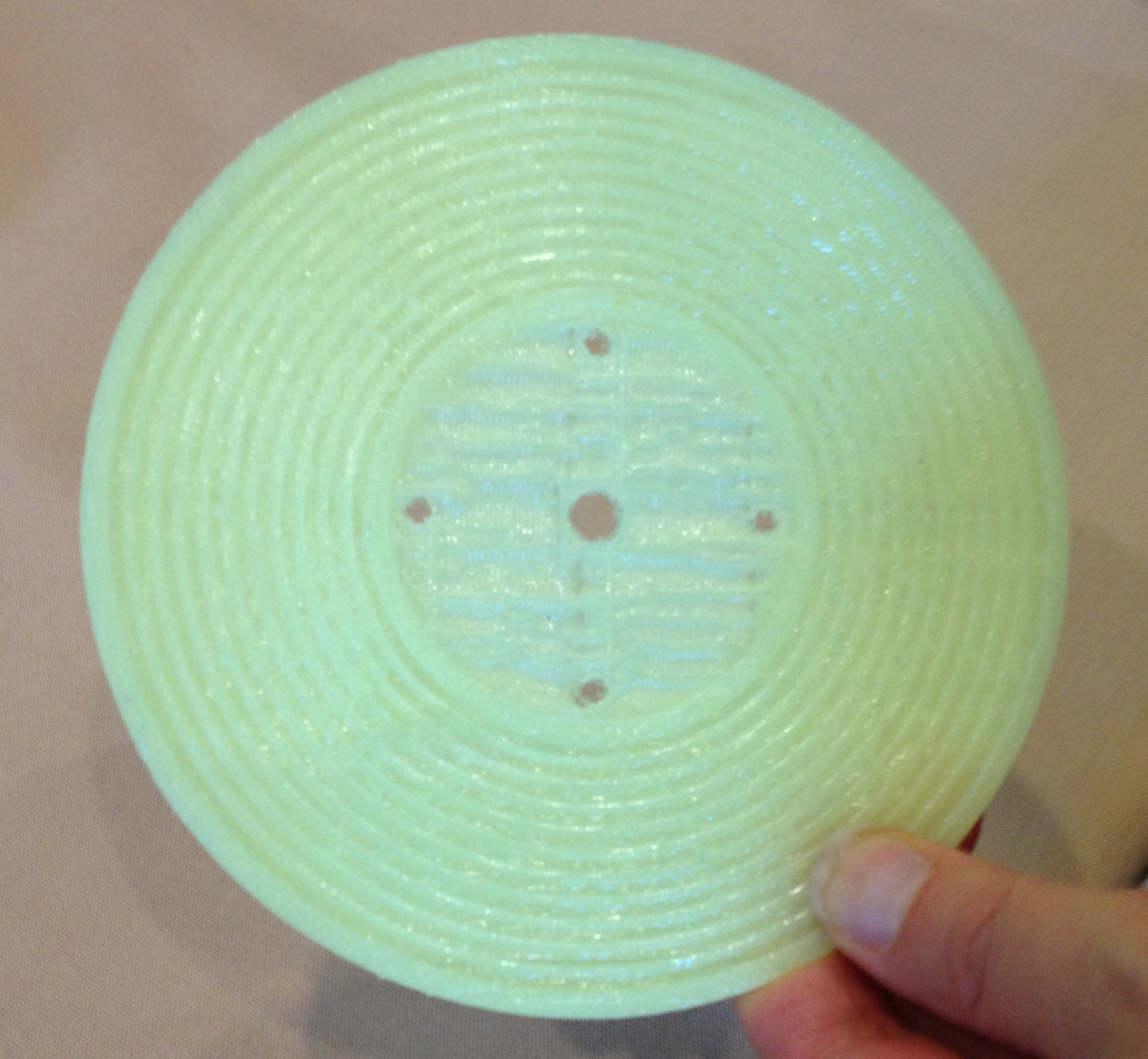
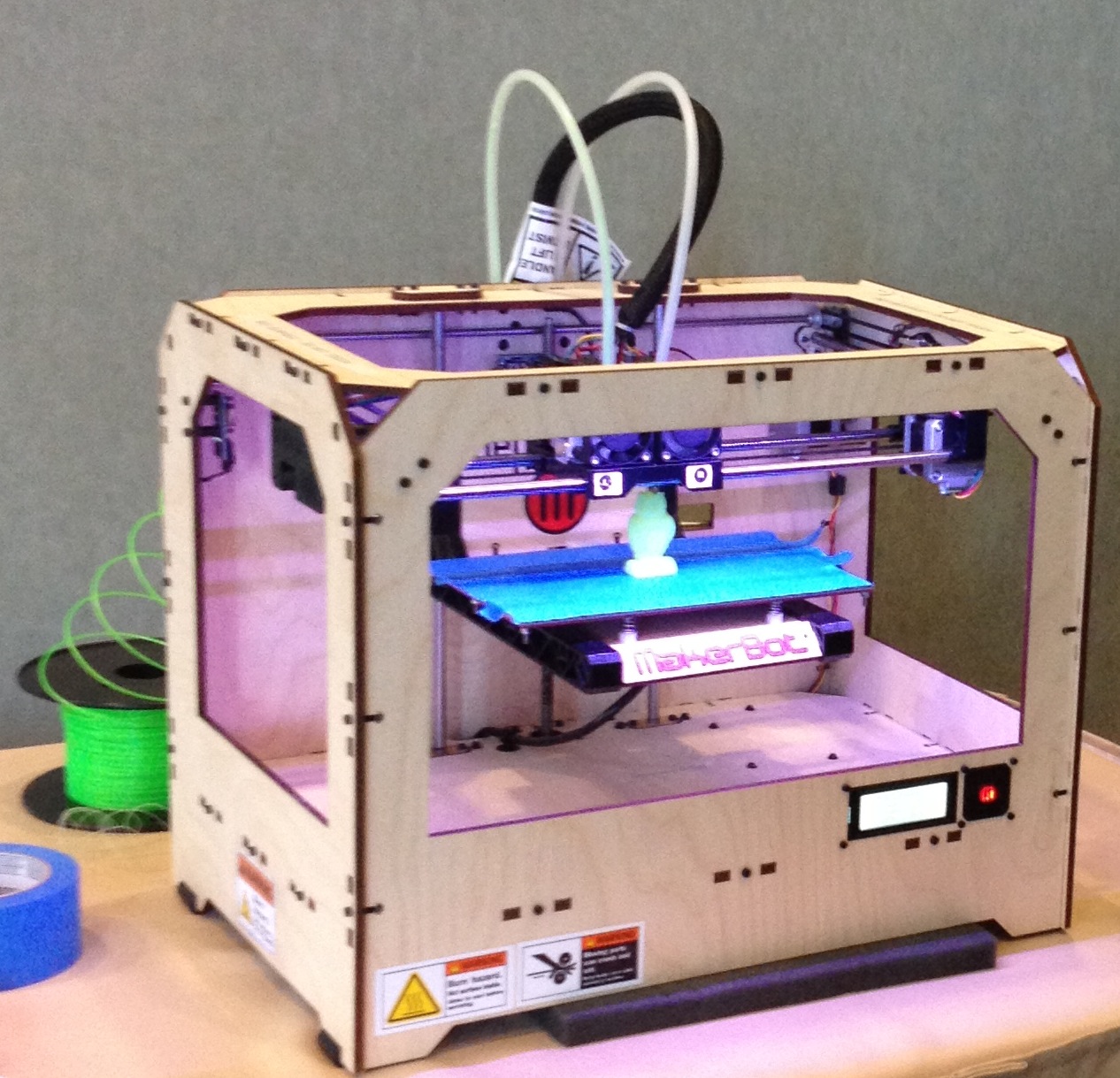
As promised in a previous post on 3D printing, I took some pics of the MakerBot Replicator at the Access conference last month. To the right is me holding a record made for toy players. I had a Fisher Price machine when I was a kid and I would have gone nuts if I could have made my own records – on my Christmas list this year: a 3D printer for cutting vinyl.
There is apparently a universe of things to discover in THINGIVERSE, if you’d like to discover more things. If you are interested in modeling and 3D visualization, take a look at SketchUp.
Using Google Scholar to quickly retrieve the full-text article
Are you busy writing term papers now? I have been receiving more reference questions about seeking the full-text article with a known reference. Other than relying on the Library Catalogue, we could also use Google Scholar for this purpose. You could set up a library link to McGill University in Google Scholar in order to quickly locate the full-text.
Go to Google Scholar and click “Settings” on the top-right corner. Then click “Library links” on the left side of the Scholar Settings screen and enter McGill University in the “Show library access links for” box. Save this setting, and you will be able to see the Find it at McGill link on the right side of the Google Scholar results page for your next search. Follow the Find it at McGill link and you will get to the full-text article available in McGill Library’s collection. Don’t forget to turn on VPN or log into EZproxy if you are off campus.